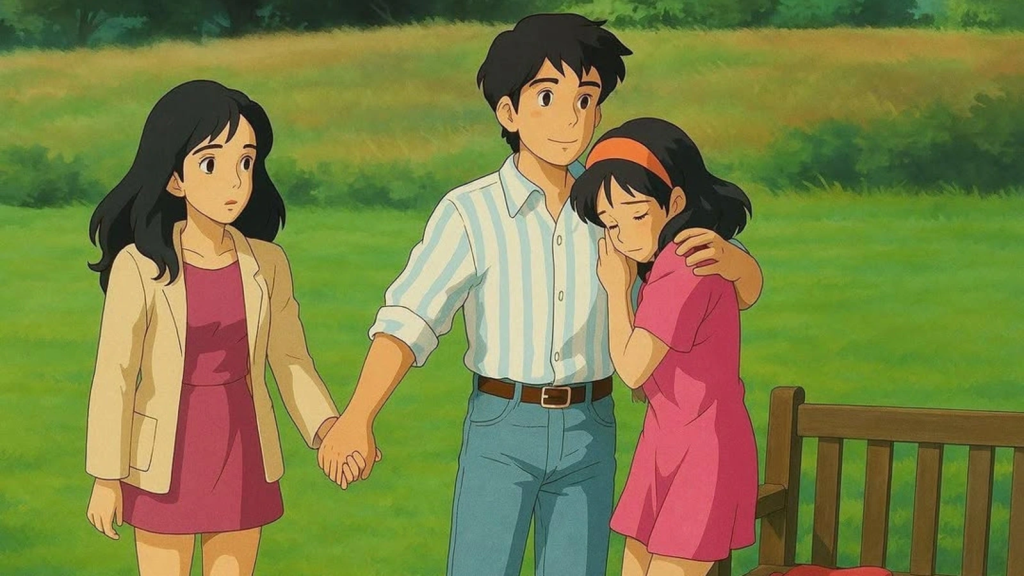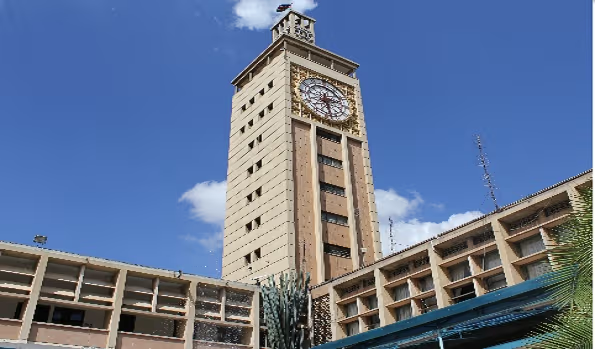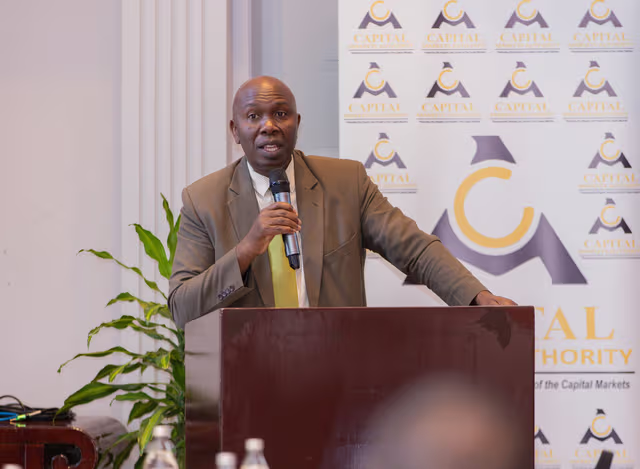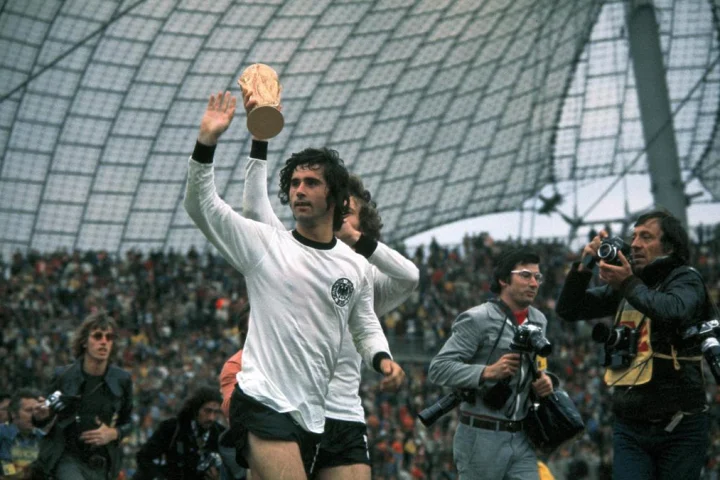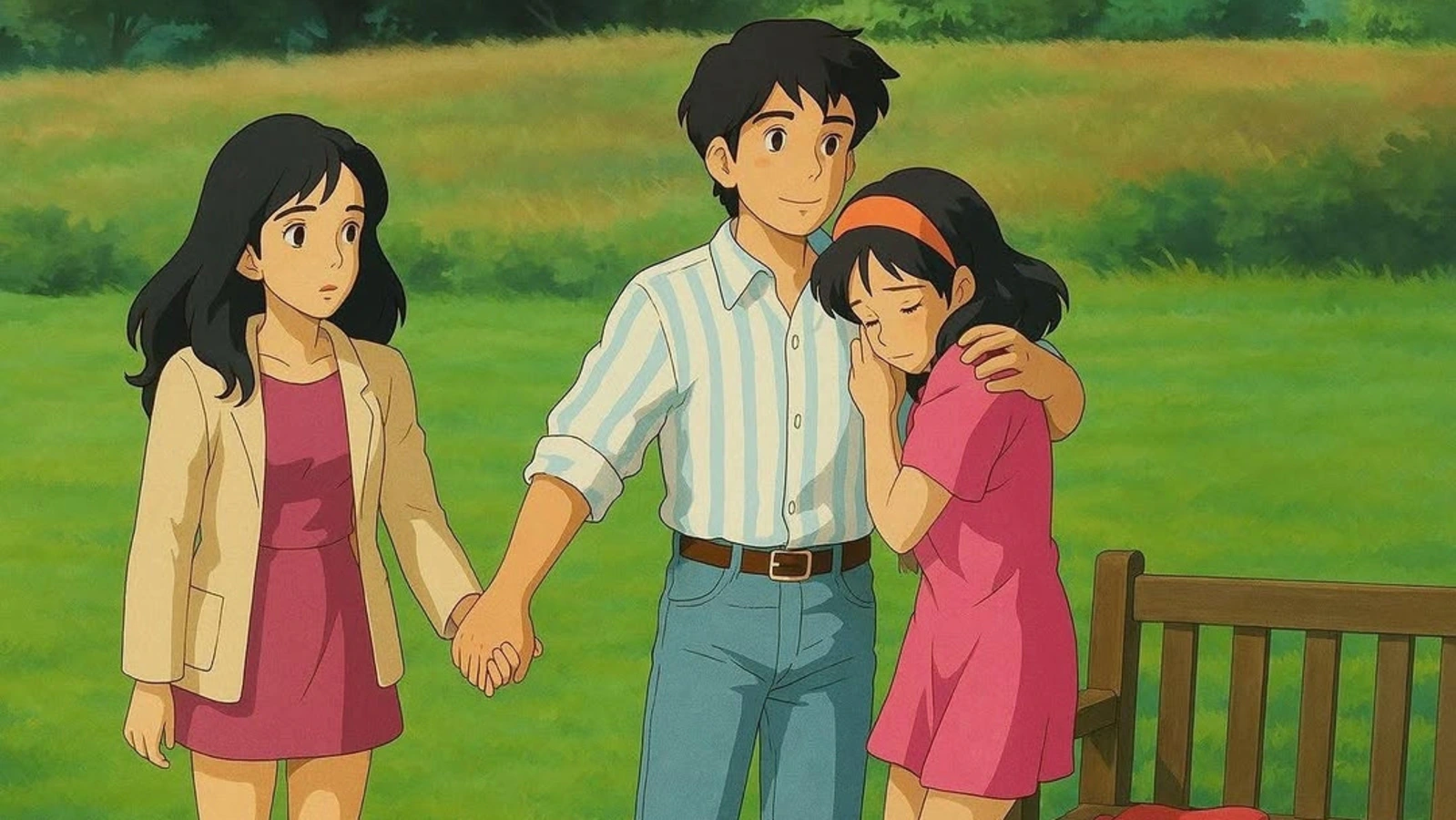
Ever wondered what it would look like if your favorite photos were transformed into magical, hand-drawn animation styles, just like the beloved films from Studio Ghibli? Thanks to OpenAI’s new image generation feature in ChatGPT, you can now do just that! This tool allows users to turn real-life photos into whimsical, Ghibli-style artwork with just a few simple steps.
Whether you’re an anime fan or just curious to see your images reimagined in the dreamy aesthetic of Studio Ghibli, this feature is both fun and easy to use. In this guide, we’ll show you how to create Ghibli-style AI images for free using ChatGPT—no artistic skills required!
What Is Ghibli Style AI Image Generation?
The Ghibli style refers to the unique, hand-painted animation aesthetic that has made Studio Ghibli films like My Neighbor Totoro, Spirited Away, and Howl’s Moving Castle so iconic. The style often features soft, pastel colors, whimsical character designs, and a dreamy, fantastical atmosphere.
With ChatGPT’s new image generation tool, you can easily turn photos into these kinds of art pieces by simply uploading an image and providing a prompt. Whether it’s a selfie, a family photo, or even your pet, you can create your own personal Ghibli-style masterpiece.
How to Create Ghibli Style AI Images Using ChatGPT for Free
Follow these easy steps to transform your photos into Ghibli-style artwork:
Step 1: Visit ChatGPT Website or Open the App
Ensure you’re logged into your OpenAI account on either the ChatGPT website or mobile app. If you don’t have an account, you can easily sign up.
Step 2: Upload Your Image
Once you’re logged in, open the ChatGPT interface and click on the “+” sign at the bottom left corner of the screen to upload your photo. Select the image you’d like to transform into a Ghibli-style piece of art.
Step 3: Enter the Prompt
After uploading the image, type a prompt such as “Ghiblify this” or “Transform this photo into Studio Ghibli style.” This simple instruction lets ChatGPT know what kind of transformation you’re looking for.
Step 4: Download Your Artwork
Once the image has been processed, your Ghibli-style artwork will be ready. Click the download option to save your newly created artwork to your device. You can now enjoy your personalized Ghibli-style image or share it with others!
Limitations on Image Generation
While ChatGPT’s AI image generation tool is a fun and creative way to transform your photos, there are some limitations due to high demand. Initially, the feature was available only to paid users, but now, free users can also create images.
However, there’s a limit of three image generations per day for free accounts. OpenAI introduced this restriction due to the increased demand for the service, as it was impacting system performance. Despite this, free users still have access to this exciting feature, albeit with the daily limit.
Why Use ChatGPT for Ghibli Style AI Images?
Using ChatGPT to create Ghibli-style images offers several advantages:
- No Artistic Skill Required: You don’t need to be an artist to create beautiful artwork. ChatGPT does the work for you.
- Quick and Easy: The process is fast, with your Ghibli-style image ready in minutes.
- Free: The service is free for up to three image generations per day, making it an affordable way to experiment with your photos.
- High-Quality Transforms: The AI does a remarkable job of capturing the whimsical essence of Ghibli films, making your photos look like they’ve come straight out of an animated movie.
Conclusion
Transforming your photos into Ghibli-style AI images using ChatGPT is a fun and simple process that brings the magic of Studio Ghibli to your own pictures. With just a few steps, you can create whimsical artwork that captures the dreamlike quality of your favorite animated films.
While there are some daily limits for free users, the ability to generate up to three images a day still offers plenty of opportunities for creativity. Whether you’re creating personal artwork or sharing with friends, this tool offers a fantastic way to add a touch of magic to your images.